Edit Commission & Transportation
The Edit Commission & Transportation screen is used to modify cost-related information for shipments that have already been created in the system, including both the courier commission and the shipping cost.
This screen helps operations staff correct cost-related errors or update values according to the company's operational and financial requirements.
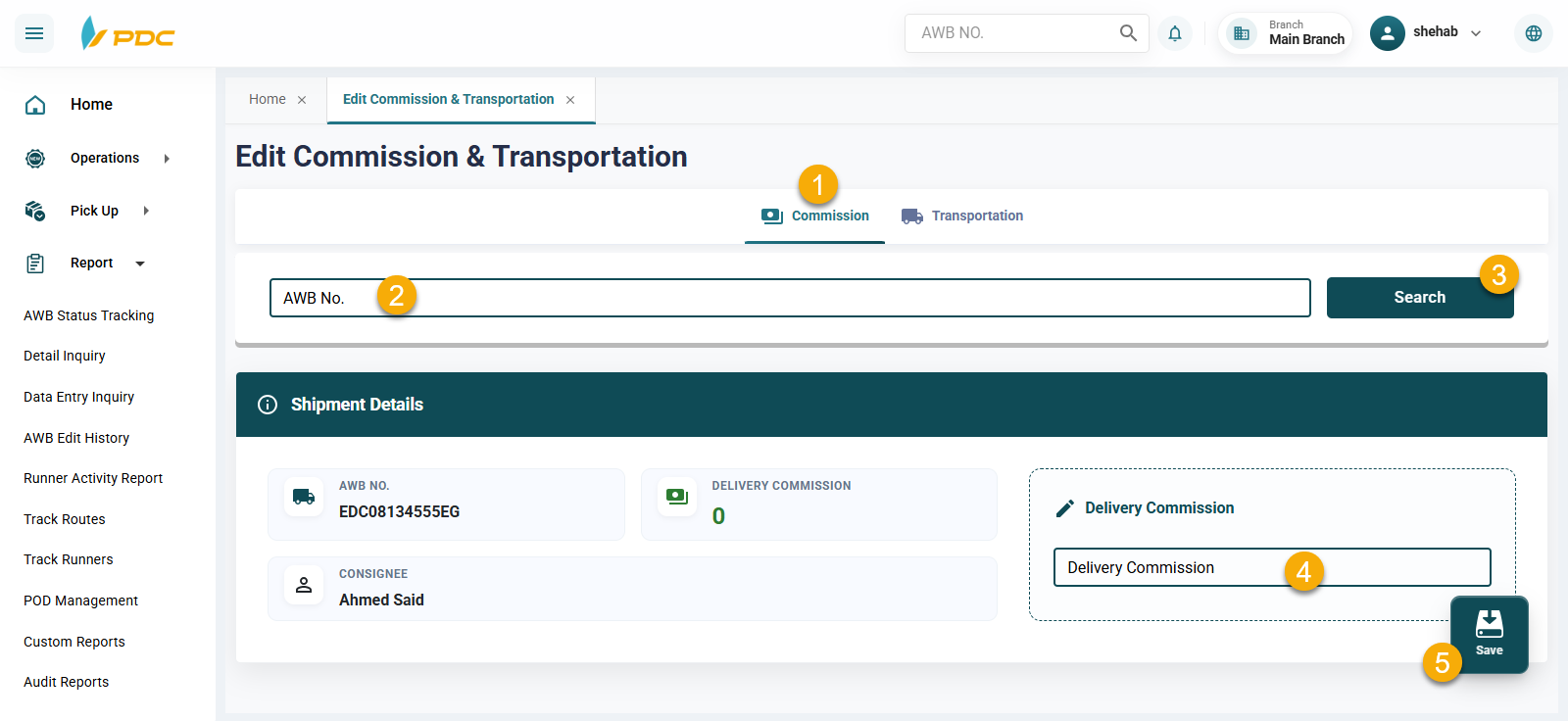
1. Commission Adjustment
This section is used to modify the courier commission for a specific shipment.
How to Use
- Enter the Shipment Number (AWB).
- The system will display the shipment details.
- Update the commission amount.
- Click Save to confirm the changes.
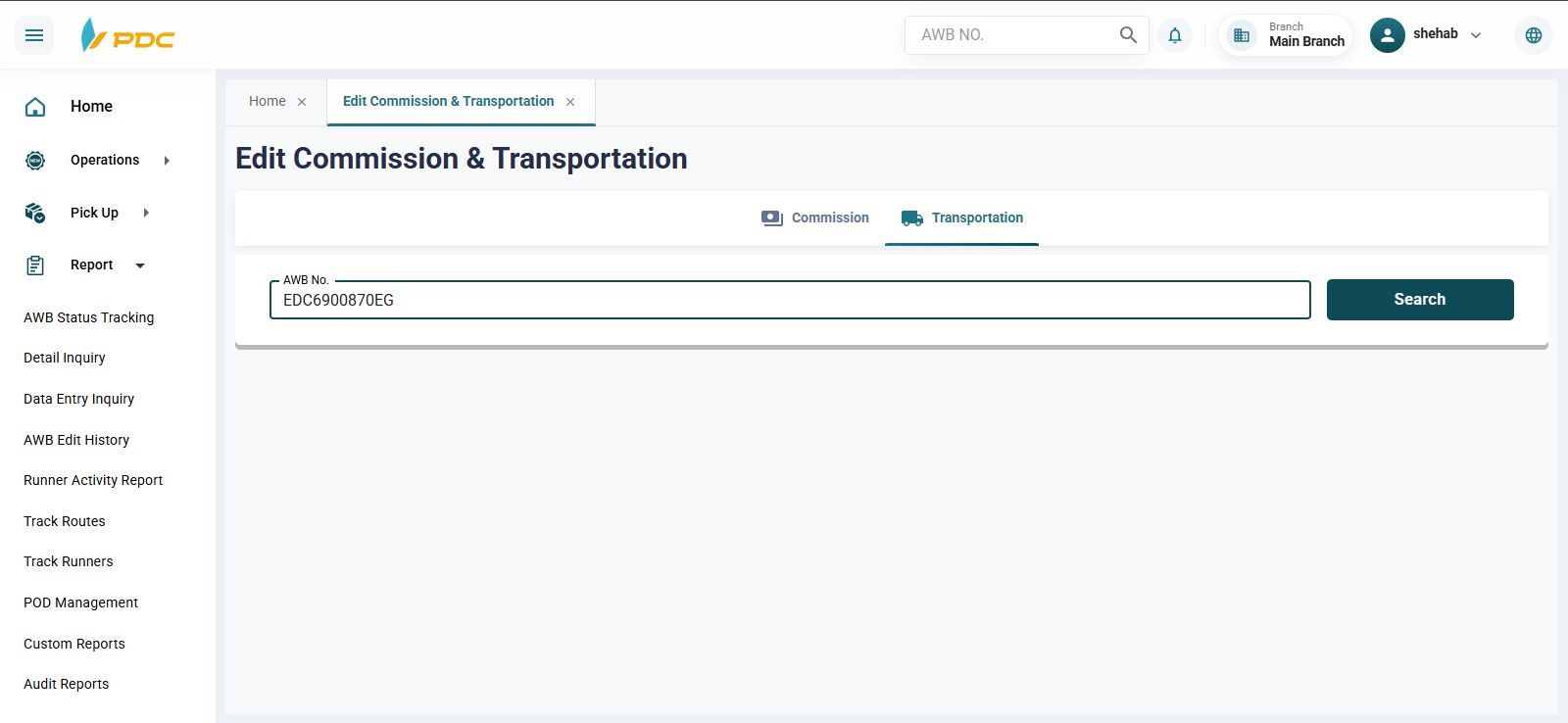
2. Transportation
This section is used to modify the shipping cost of a shipment.
How to Use
- Enter the Shipment Number (AWB).
- The system will display the shipment details.
- Update the shipping cost.
- Click Save to confirm the changes.
Benefits
This screen helps to:
- Correct financial errors related to shipments.
- Adjust courier commissions when required.
- Update shipping costs based on weight, distance, or special agreements.
- Ensure the accuracy of financial and operational data.
- Simplify auditing and financial review processes.
- Eliminate the need to cancel and recreate shipments due to pricing errors.
Once the changes are saved, the updated values are immediately reflected in the system and applied to all related operational and financial reports.