Managing Message Templates
From the Settings → Message Templates page, you can easily manage all your pre-written messages.
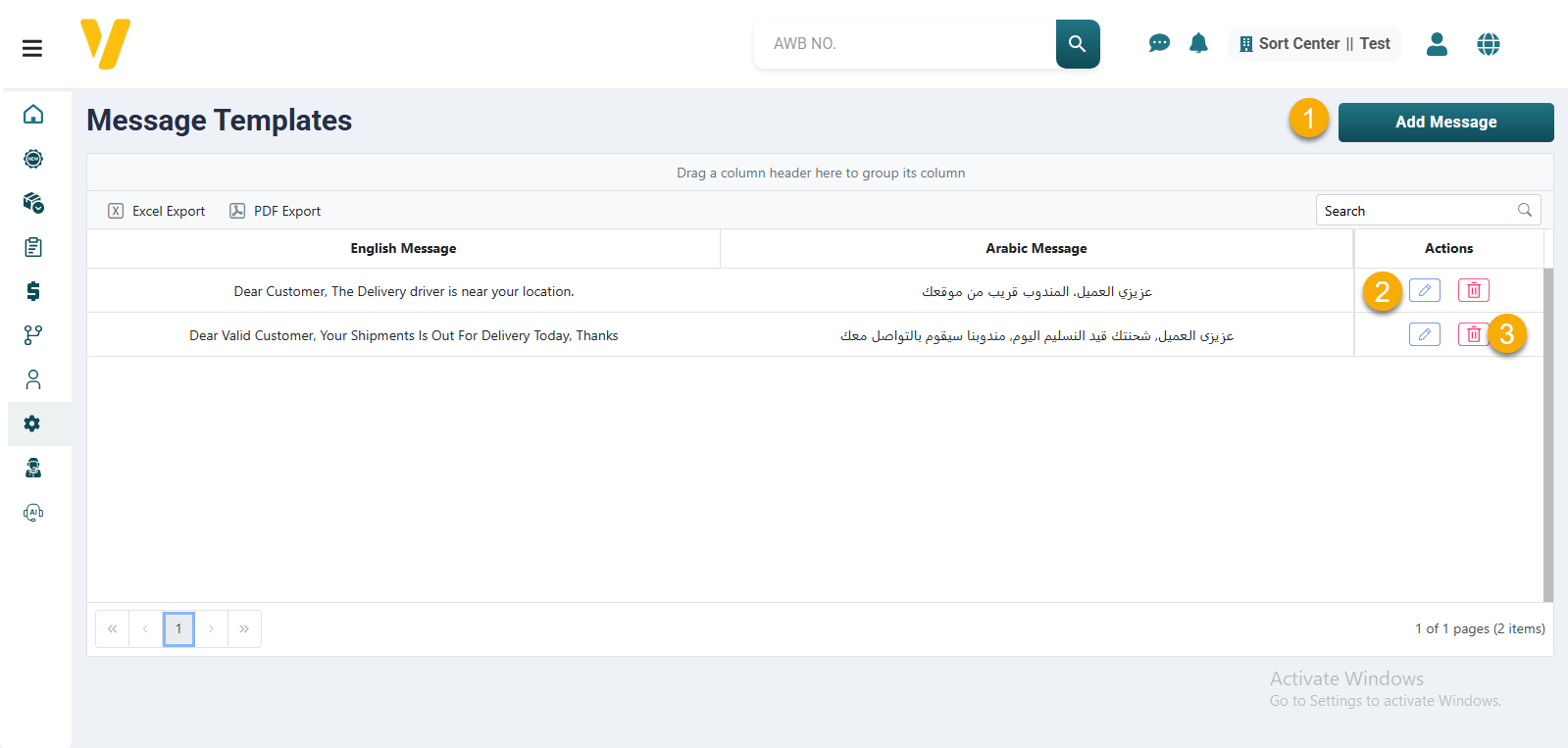
- To add a new message, click the Add Message button.
- To edit an existing message, click the ✏️ Edit icon in the Actions column.
- To delete a message template, click the 🗑️ Delete icon in the same row.
Make sure your messages are clear and appropriate to speed up conversations with customers during deliveries.