Delete Branches
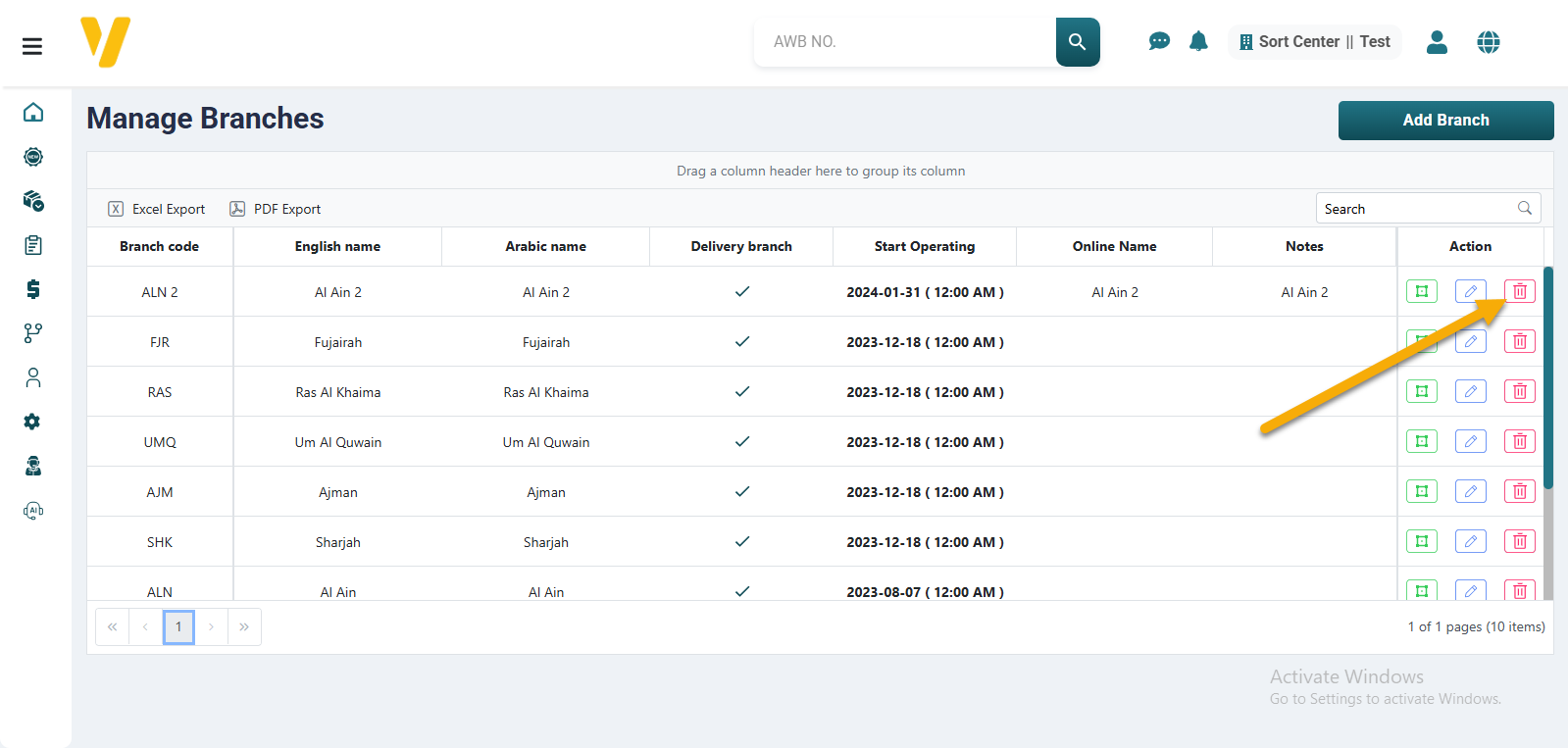
To delete a branch, follow these steps:
- Open the Manage Branches page from the System Data section in the sidebar.
- Use the Filter option to quickly find the branch you want to delete.
- Click on the Trash icon 🗑️ next to the branch.
- In the confirmation box:
- Click Delete to confirm.
- Click Cancel to abort the process.