Delete Employee
To delete an employee, follow these steps:
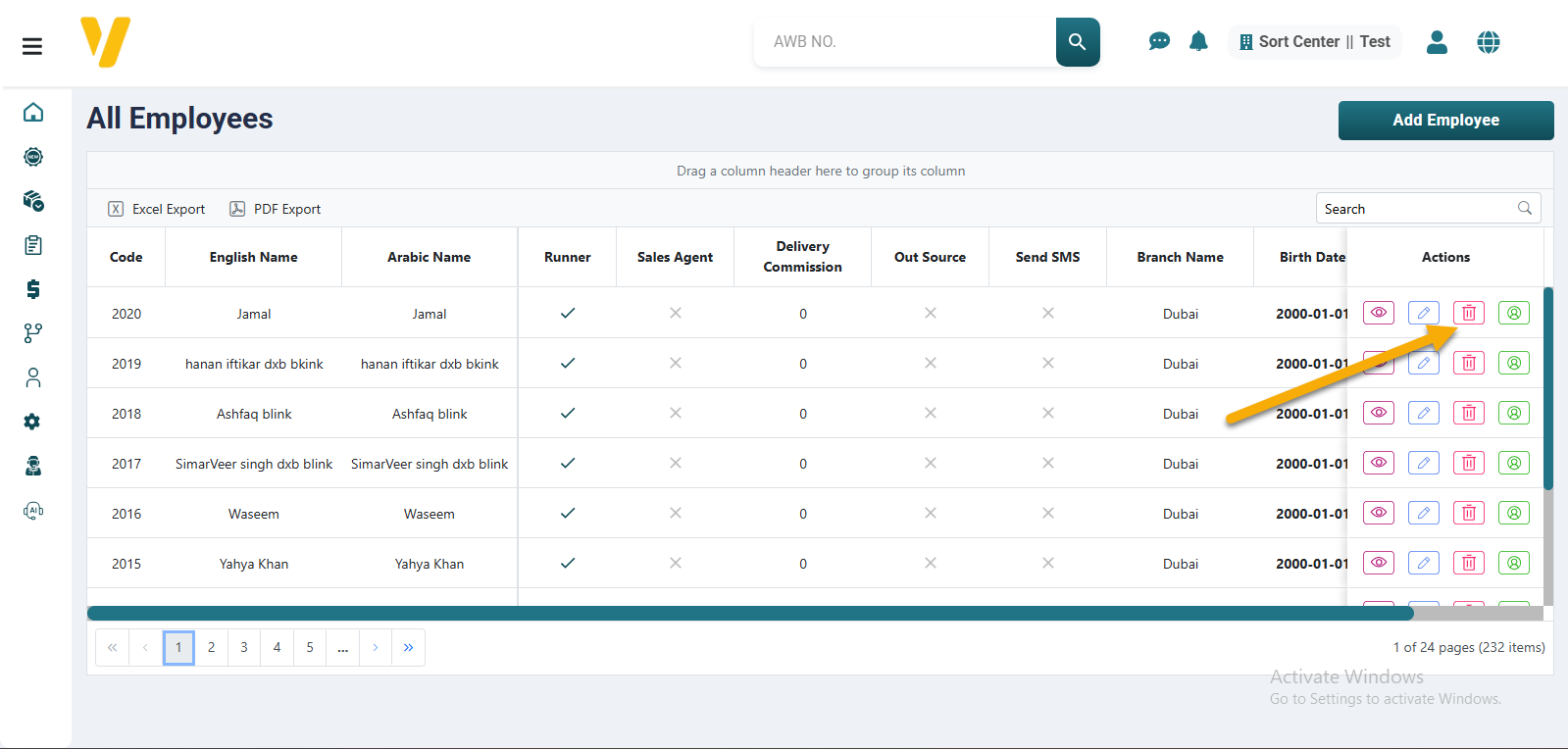
- Go to the Employee Management tab.
- Select the employee you want to delete — you can use the filters to quickly find the employee.
- Click the Delete icon 🗑️ in the Actions column.
- A confirmation message will appear: "Are you sure you want to delete this employee?"
- Click Delete to confirm. Or click Cancel to abort the process.
⚠️ Note:
Instead of permanently deleting an employee, you can choose to deactivate them, keeping their data while preventing any future activity.