Call Center Inquiry
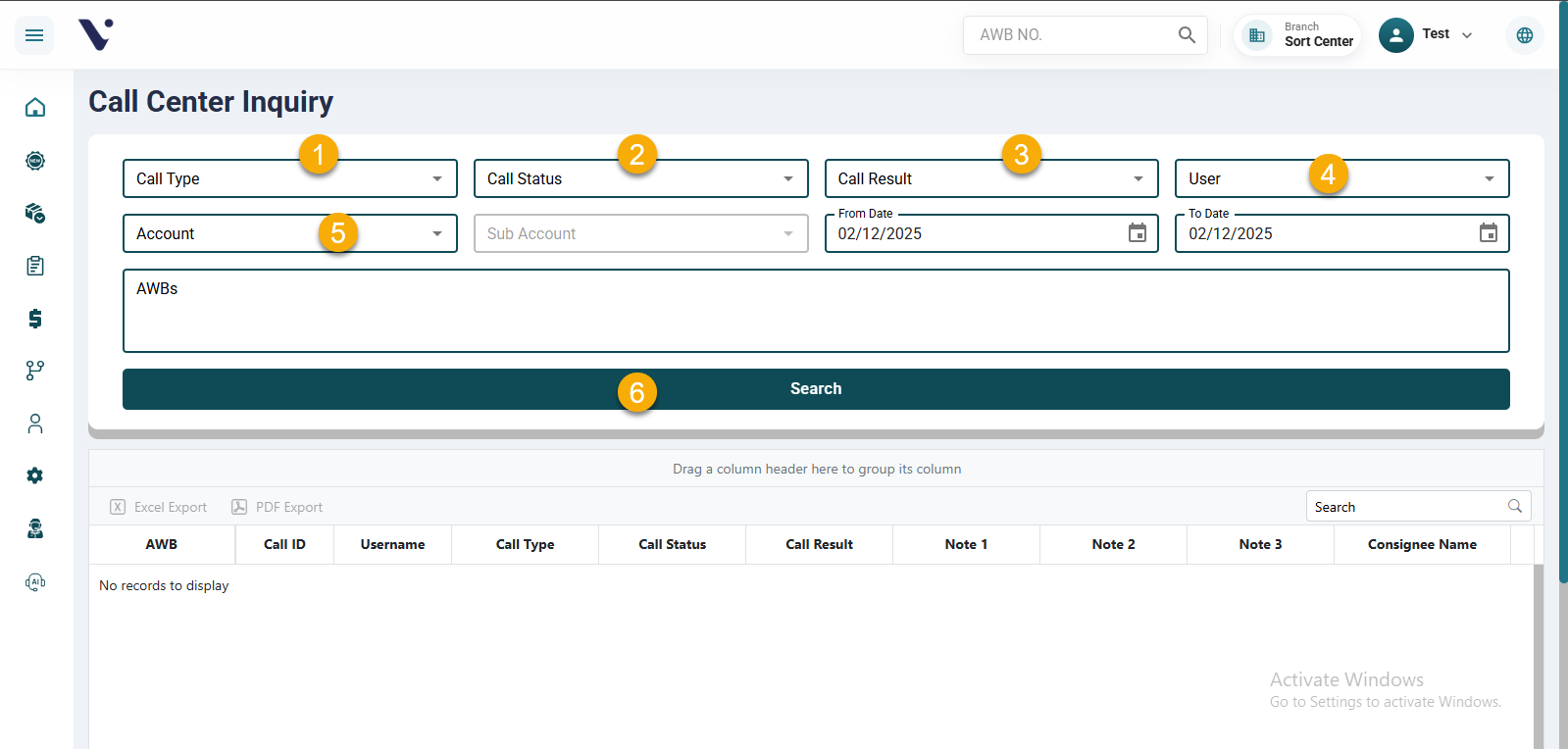
The Call Center Inquiry screen allows the customer service agent to easily search and filter call records based on the information they need.
The screen provides multiple filtering options, including:
- Call Type
- Call Status
- Call Result
- User
- Account
After selecting the desired filters, the agent clicks the Search button, and all matching results will be displayed immediately.
This screen offers a fast and efficient way to access call information, helping agents follow up accurately and complete their tasks more effectively.